When a MacBook screen is damaged, choosing the right replacement display is not simply a matter of matching the screen size. Different MacBook Air and MacBook Pro models can use different display technologies, resolutions, connectors, and assembly designs. A wrong replacement may result in compatibility issues or installation problems.
This guide explains how to choose the right LCD Screens for MacBook, what specifications should be checked before purchasing, and what repair shops, distributors, and wholesalers should consider when sourcing replacement displays.
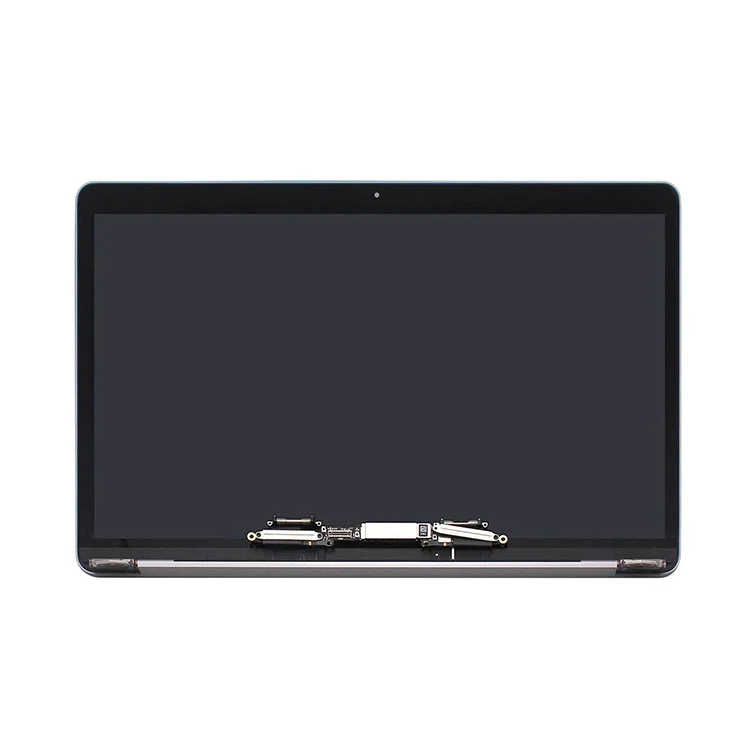
What Are LCD Screens for MacBook?
MacBook displays have changed significantly across different generations. Depending on the model, a replacement may be supplied as an LCD panel or as a complete display assembly. Older models and newer models can therefore require completely different replacement solutions.
Common MacBook display categories include:
|
MacBook Series
|
Common Screen Sizes
|
Display Type
|
|
MacBook Air
|
11-inch, 13-inch, 15-inch
|
LED-backlit / Retina display
|
|
MacBook Pro
|
13-inch, 14-inch, 15-inch, 16-inch
|
Retina / Liquid Retina / Mini LED
|
|
Older MacBook Models
|
13-inch, 15-inch, 17-inch
|
LCD with LED backlight
|
How to Choose the Right LCD Screens for MacBook?
1. Confirm the Exact MacBook Model
The exact model number is more useful than the commercial product name when selecting a replacement screen. MacBook Air and MacBook Pro models with the same screen size may use different displays depending on the production year and hardware generation.
Before ordering, check the MacBook model through:
-
About This Mac in macOS
-
The model information on the device
-
Original packaging or product documentation
Matching the exact model helps reduce the risk of ordering an incompatible display.
2. Check Screen Size and Resolution
Screen size and resolution are two basic specifications that should be confirmed before purchasing. Different MacBook generations can have significantly different resolutions even when their physical screen sizes are similar.
Examples of MacBook display resolutions include:
-
1280 × 800
-
1440 × 900
-
2560 × 1600
-
3024 × 1964
-
3456 × 2234
The replacement should match the original display configuration to maintain proper image scaling and display performance.
3. Identify the Display Technology
MacBook displays have evolved from conventional LED-backlit LCD panels to high-resolution Retina displays and newer display technologies.
LED-Backlit LCD
LED-backlit LCD displays are used in many older MacBook models. They use an LED backlight system behind the LCD panel and remain available as replacement parts for compatible models.
Retina Display
Retina displays provide a higher pixel density than conventional MacBook displays. They are used across many MacBook Air and MacBook Pro generations.
Liquid Retina and Mini LED Displays
Some newer MacBook Pro models use advanced display technologies designed to provide higher brightness, improved contrast, and more detailed images. These displays should not be treated as interchangeable with earlier Retina panels.
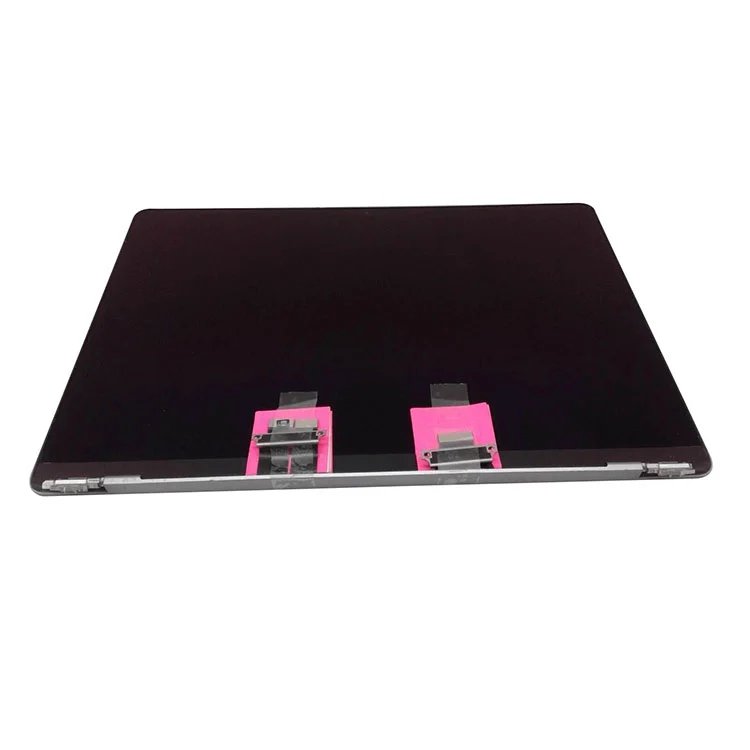
When Should You Replace a MacBook Screen?
A damaged MacBook display can show several different symptoms. Identifying the problem before ordering a replacement can help determine whether the screen itself needs to be replaced.
Cracked or Damaged Screen
Physical impact can cause cracks, black spots, display leakage, or visible damage across the screen. When the panel is physically damaged, replacement is usually required.
Flickering Display
Screen flickering can be related to the display panel, display cable, or connection. The cause should be checked before replacing the complete display.
Lines or Dead Pixels
Vertical lines, horizontal lines, or groups of dead pixels may indicate damage to the display panel.
Black Screen or Backlight Problems
If the MacBook powers on but the screen remains dark, the problem may involve the display, backlight system, display connection, or another internal component. A basic diagnosis should be performed before purchasing a replacement screen.
LCD Panel vs. Complete Display Assembly
One of the most important decisions when purchasing a MacBook replacement display is whether to use an LCD panel or a complete display assembly.
|
Replacement Type
|
Advantages
|
Considerations
|
|
LCD Panel
|
Lower component cost; suitable for certain models and experienced technicians
|
Requires more specialized repair skills and tools
|
|
Complete Display Assembly
|
More convenient installation; multiple display components are supplied together
|
Usually has a higher purchase cost
|
When Is an LCD Panel Suitable?
An LCD panel can be considered when the original display structure allows panel-level replacement and the repair technician has the required tools and experience. This approach can reduce replacement costs for certain MacBook models.
When Is a Complete Display Assembly Better?
A complete display assembly can simplify the replacement process because several components are already integrated. It can be a practical option for repair businesses that prioritize installation efficiency.
What Should Wholesale Buyers Check Before Purchasing?
Repair shops, distributors, and wholesalers should evaluate more than just the unit price when sourcing replacement MacBook displays.
1. Compatibility Information
A supplier should clearly provide compatible MacBook models, screen sizes, resolutions, and other relevant specifications. Detailed compatibility information makes it easier for buyers to match replacement displays with their inventory.
2. Display Quality
Important quality checks can include:
-
Brightness consistency
-
Color performance
-
Dead pixel inspection
-
Backlight operation
-
Display stability
-
Connector and cable condition
3. Packaging and Transportation Protection
MacBook replacement displays are fragile products and require appropriate protection during storage and transportation. Anti-static materials, protective foam, and shock-resistant packaging can help reduce the risk of damage during shipping.